products
Phone wallpaper patterns
Calm modern repeats cut to exact screen sizes, so a wallpaper fills the display with no stretching or cropping.
- iPhone 16 1,179 × 2,556
- iPhone 16 Plus 1,290 × 2,796
- iPhone 16 Pro 1,206 × 2,622
- iPhone 16 Pro Max 1,320 × 2,868
- Android (common) 1,080 × 2,400
- Desktop 1920 x 1080 1,920 × 1,080
- Desktop 2560 x 1440 2,560 × 1,440
- Desktop 3840 x 2160 3,840 × 2,160
- Laptop 16:10 2,880 × 1,800
- Video-call background (JPG or 24-bit PNG, no alpha, under 5 MB) 1,920 × 1,080
- SVG
- PNG
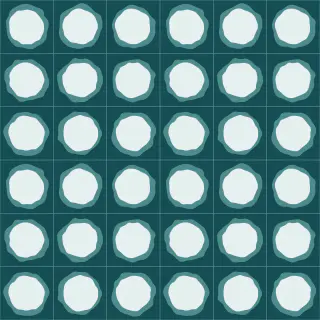
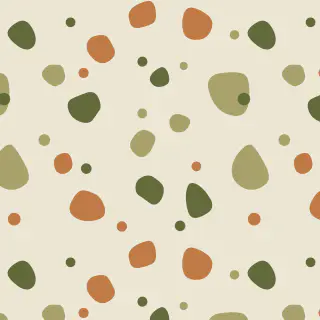
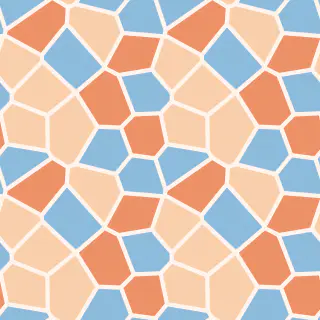
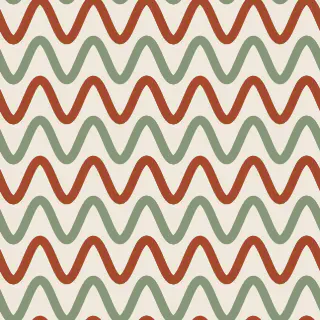
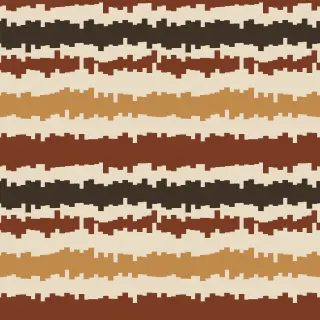
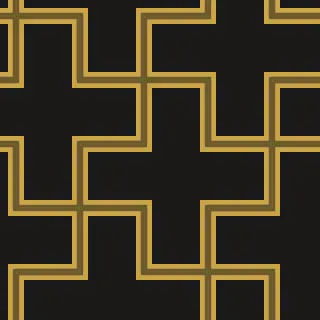
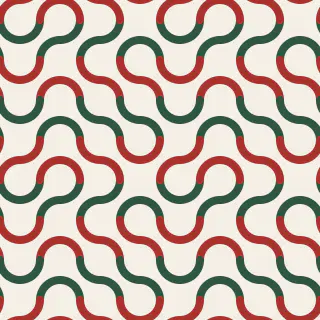
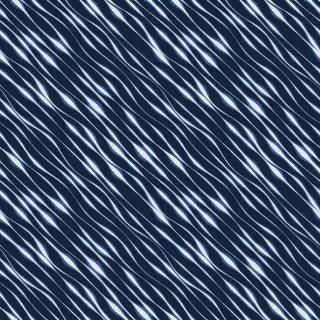
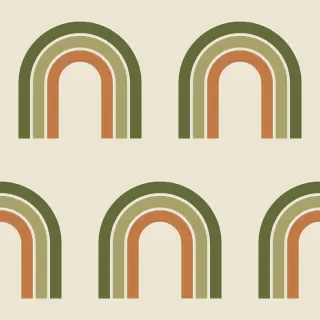
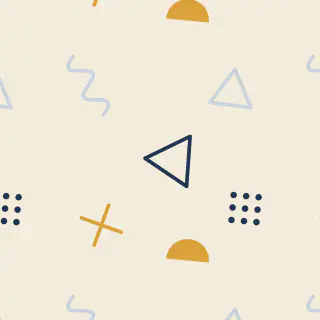
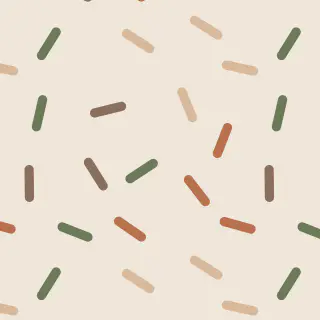
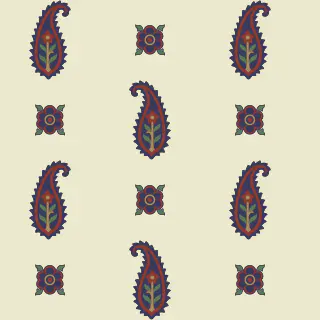
No patterns match this color.
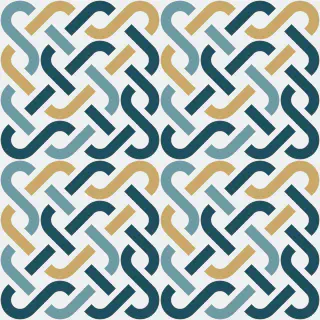
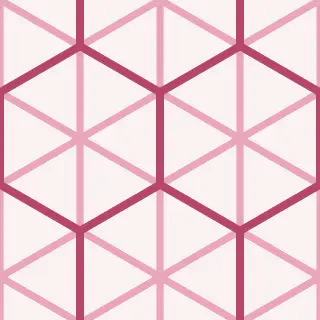
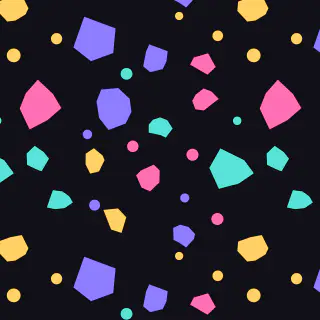
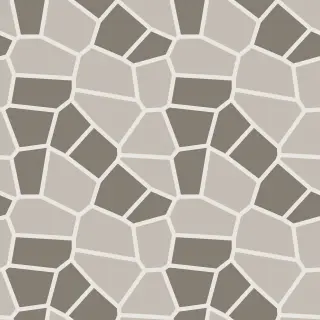
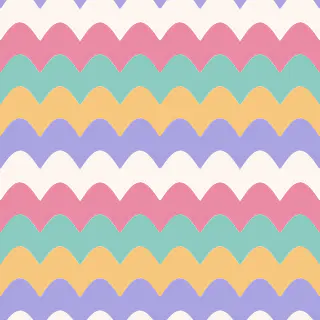
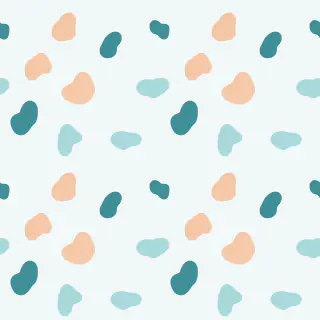
A pattern makes a good wallpaper because it has no single subject to crop around: any part of the repeat looks right behind icons. The best wallpaper patterns are modern ones that stay quiet at screen size, such as Truchet mazes, wavy lines, Voronoi cells, soft blobs, terrazzo chips, boho arches, confetti and Memphis shapes.
Which wallpaper to pick
Keep the center calm. The clock, widgets and app icons sit over the middle of a phone screen, so a fine, low-contrast repeat keeps them readable. A larger scale in the pattern generator gives fewer, bigger shapes; a smaller scale reads almost as a texture.
For video calls, low contrast keeps the focus on the person in front. Many call apps accept JPG or 24-bit PNG with no transparency under 5 MB; check your app’s limits before uploading.
Sizes and formats
Each wallpaper comes as PNG files in these sizes, plus the SVG tile and a 2,048 px PNG tile:
- iPhone 16: 1,179 x 2,556; 16 Plus: 1,290 x 2,796
- iPhone 16 Pro: 1,206 x 2,622; 16 Pro Max: 1,320 x 2,868
- Android (common): 1,080 x 2,400
- Desktop: 1,920 x 1,080, 2,560 x 1,440 and 3,840 x 2,160
- Laptop 16:10: 2,880 x 1,800
- Video-call background: 1,920 x 1,080
Pick the size that matches the device so the system does not scale or crop the image. If an Android phone has a different screen, the common size is usually close; the phone crops the rest.
Free wallpapers are for personal use on your own devices.