products
Laser and Cricut cut file patterns
One-color art for cutting machines and lasers: bridged stencils that hold together, and Japanese and Islamic repeats for engraving.
- Coaster 4 x 4 in 1,200 × 1,200
- Cutting board 12 x 8 in 3,600 × 2,400
- Cricut mat 12 x 12 in 3,600 × 3,600
- SVG
- PNG
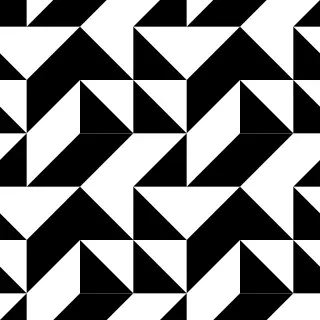
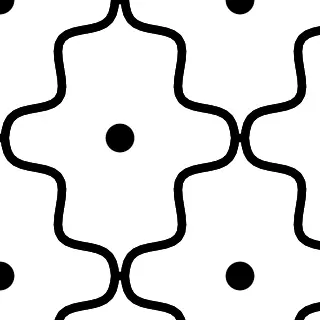
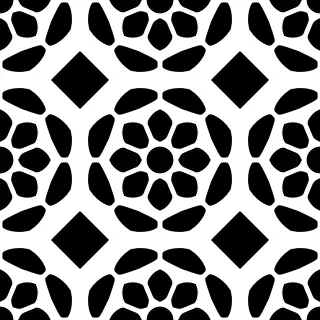
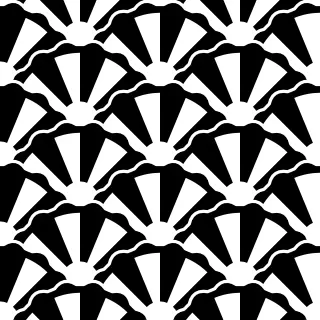
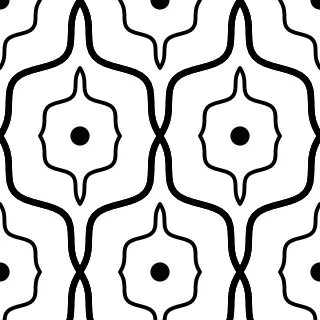
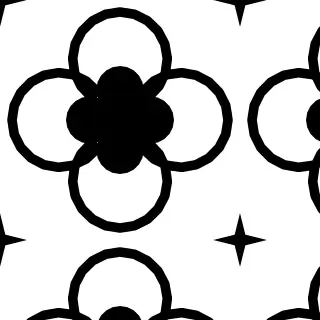
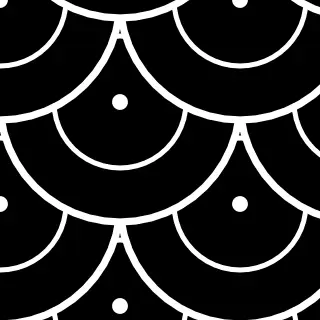
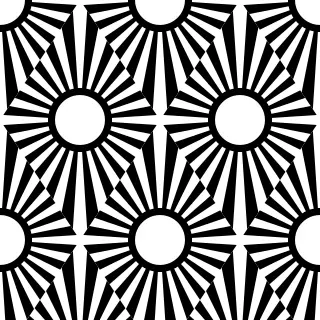
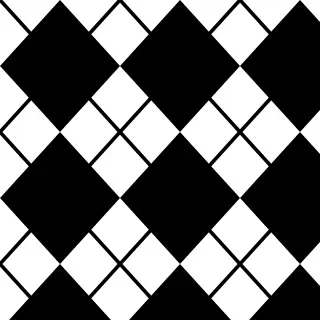
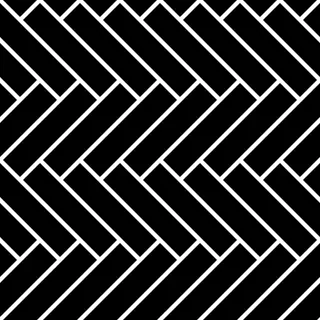
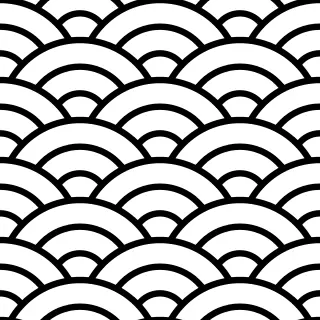
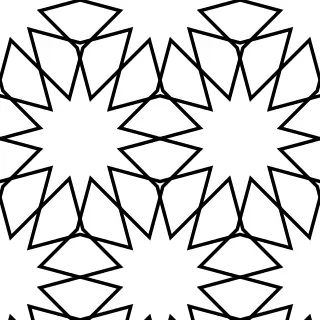
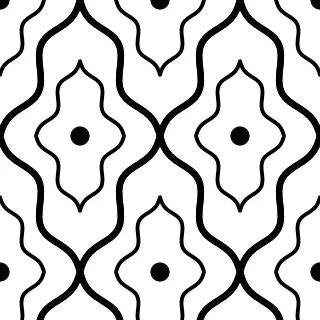
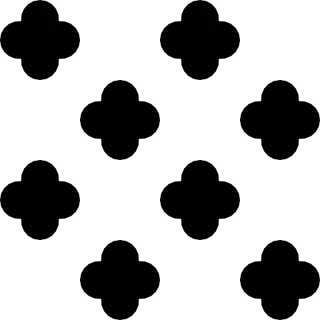
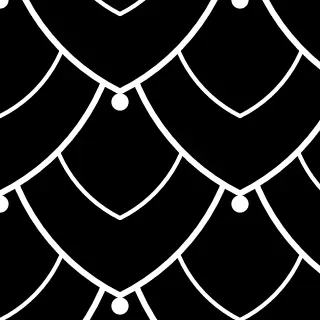
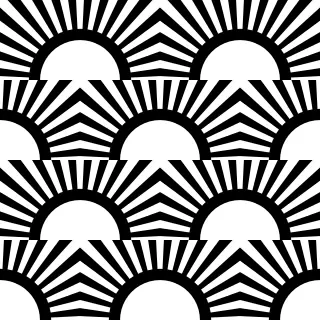
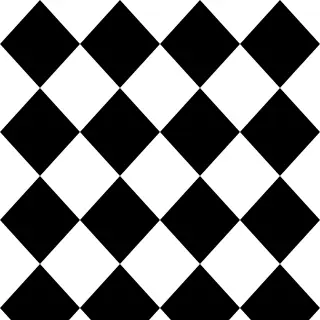
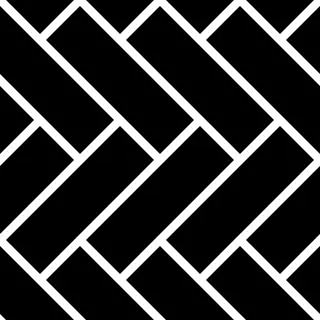
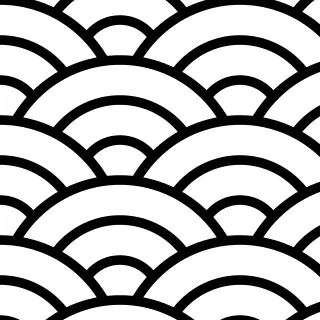
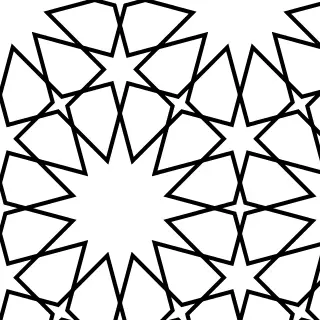
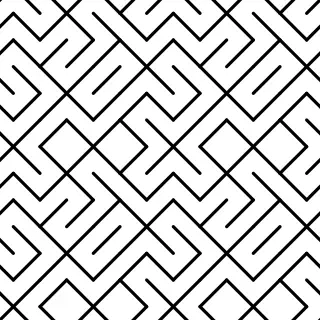
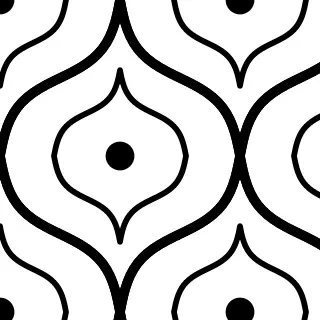
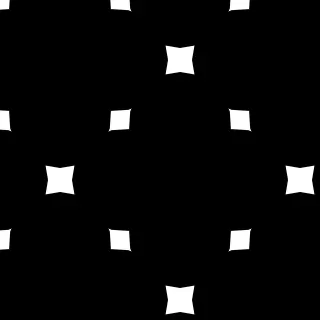
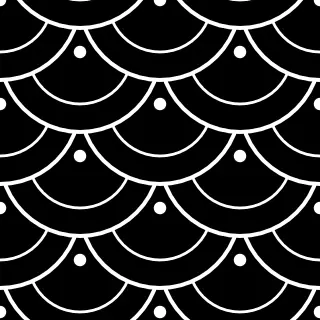
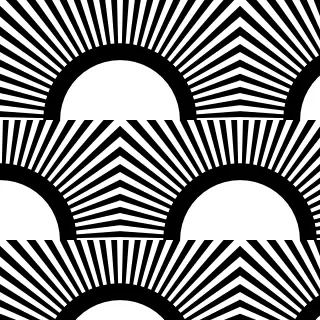
No patterns match this color.
Laser and Cricut files are one color on a plain ground, with no shading. A cutter or laser reads each one as a single layer, either a line to cut or an area to engrave.
Which cut file to pick
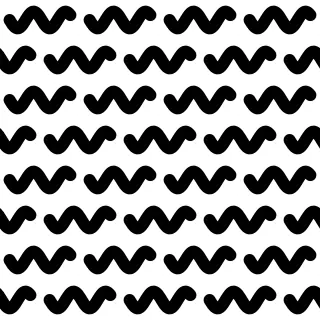
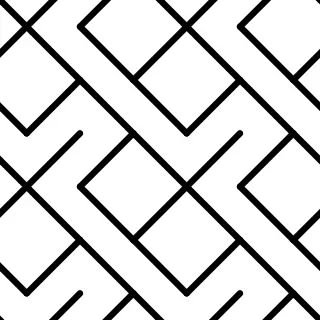
Stencils are drawn for cutting. Its pieces are separated by bridges, narrow strips of material left uncut, so every part of the sheet stays joined. Cut a stencil from vinyl, card or thin wood and it lifts off as one piece, with nothing falling out.
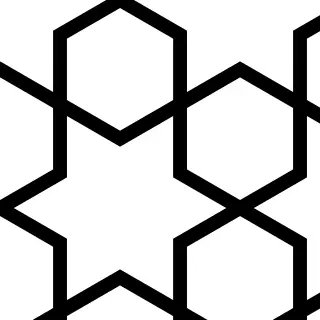
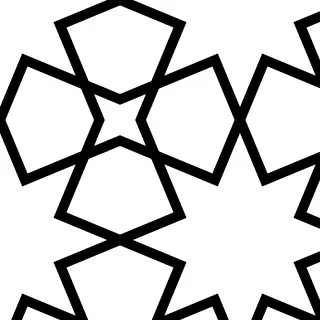
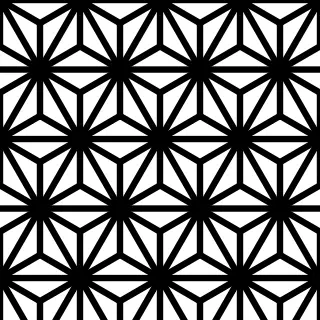
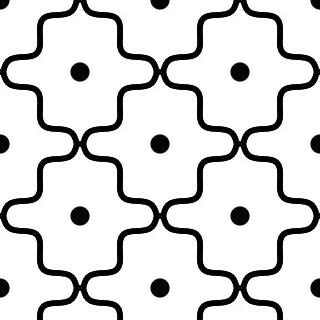
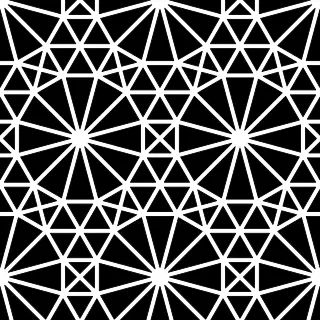
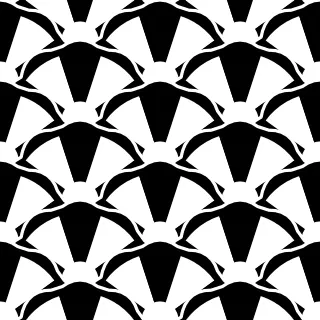
The one-color versions of Japanese patterns (seigaiha, asanoha) and Islamic star tilings are meant for engraving. They have no bridges. If you cut through them, their white areas become loose islands that drop out of the sheet. Engrave them, don’t cut them.
Sizes and formats
Each pattern comes as an SVG tile, a 2,048 px PNG tile and three sheets at 300 dpi:
- Coaster, 4 x 4 in (1,200 x 1,200 px)
- Cutting board, 12 x 8 in (3,600 x 2,400 px)
- Cricut mat, 12 x 12 in (3,600 x 3,600 px)
Cutting and engraving tips
Use the SVG for cutting: the machine follows its paths. Use the PNG for engraving, where the laser fills dark pixels. Check small pieces and thin lines at the size you will make: a pattern that cuts cleanly on a cutting board can turn into slivers on a coaster. In the pattern generator, a larger scale puts fewer, larger pieces in the same area. Test on scrap material before the final piece, and weed vinyl slowly around fine bridges.
Free files are for personal use: your own coasters, boards, stencils and gifts.