products
Digital paper patterns
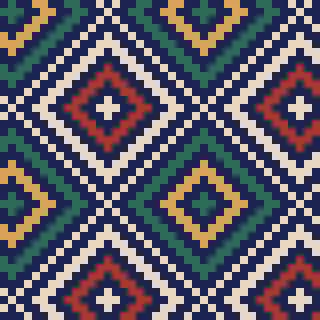
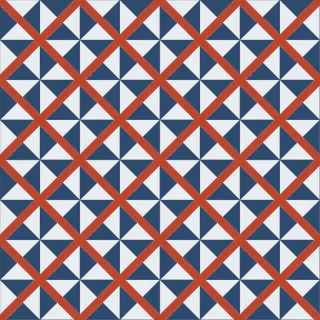
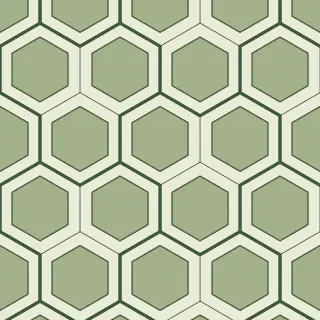
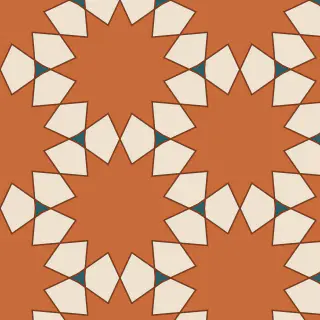
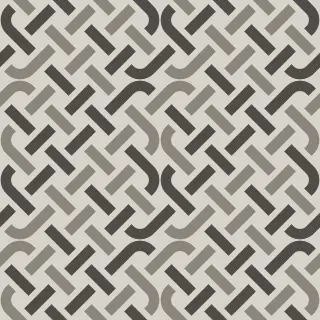
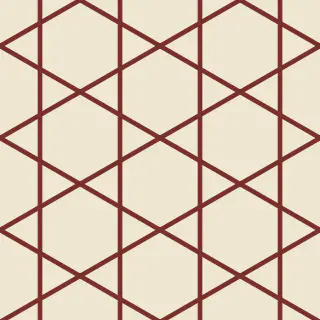
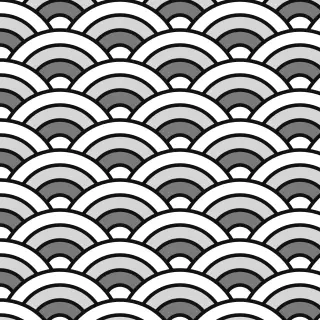
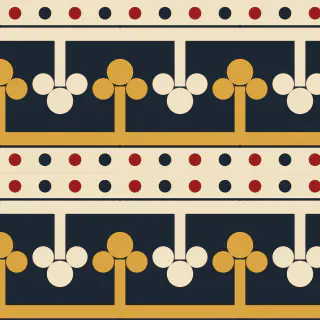
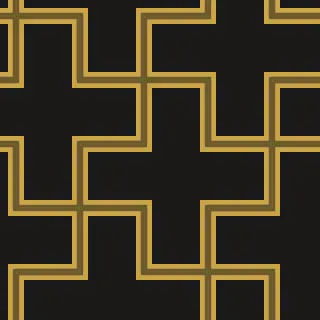
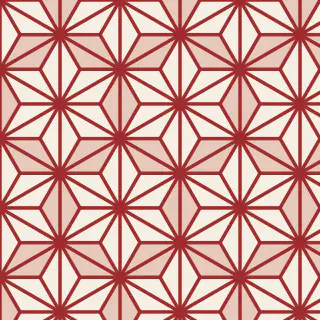
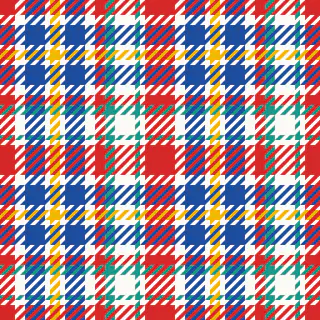
Full-color backgrounds that print edge to edge: Japanese repeats, Islamic stars and classic prints on square and page-size sheets.
- 12 x 12 in, 300 dpi 3,600 × 3,600
- US Letter, 8.5 x 11 in, 300 dpi (home print) 2,550 × 3,300
- A4, 210 x 297 mm, 300 dpi (home print) 2,480 × 3,508
- SVG
- PNG















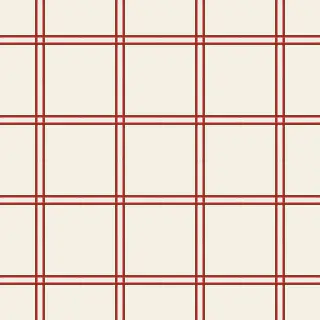
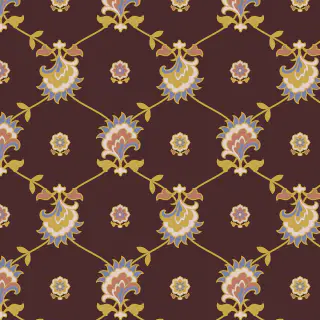

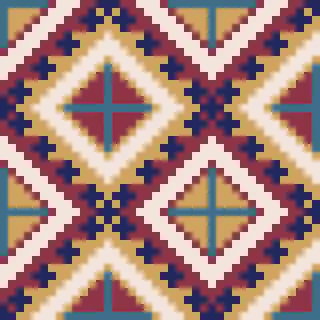

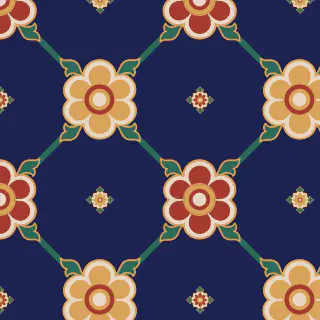







No patterns match this color.
Digital paper is a printed background sheet: one seamless pattern that fills the page with no visible join. Makers cut it into card fronts, planner dividers, envelope liners, journal pockets and scrapbook layers.
Which digital paper to pick
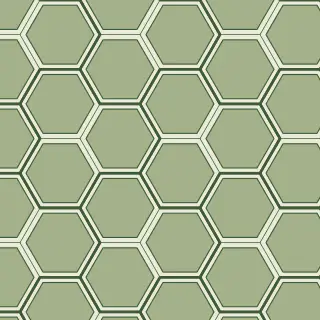
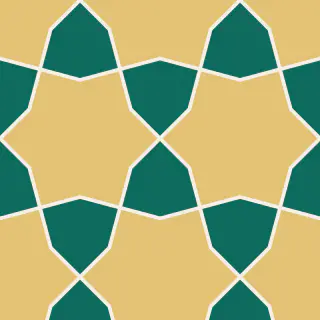
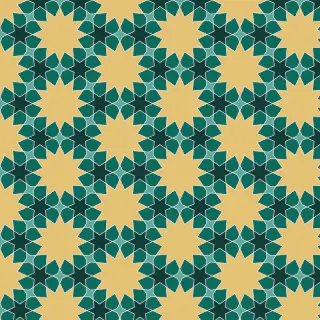
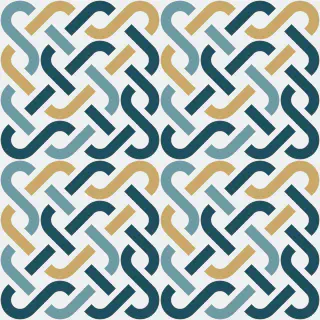
The patterns come from three groups. Japanese repeats include seigaiha waves, kikko hexagons, asanoha stars, shippo circles and yagasuri arrows. Islamic patterns are six-, eight- and twelve-point star tilings. Classic prints cover stripes, polka dots, gingham, plaid, herringbone, houndstooth and other checks. A small check or stripe works as a quiet base layer; a busy star tiling suits a card front or a single focal panel.
Sizes and formats
Each digital paper comes in these sizes:
- 12 x 12 in at 300 dpi (3,600 x 3,600 px), the scrapbook page size
- US Letter (2,550 x 3,300 px) and A4 (2,480 x 3,508 px), both at 300 dpi, for home printers
- the SVG tile, for scaling or recoloring in other software
- a 2,048 px PNG tile, for filling a shape in a photo or design app
Printing tips
Most home printers cannot reach the paper edge, so a Letter or A4 sheet will come out with a thin white border; trim it off. A 12 x 12 in sheet needs a wide-format printer or a print shop, or can be cropped to a smaller card size. Dark grounds use a lot of ink and can curl thin paper: matte card stock holds up better. Print a test strip first to check that colors match the screen.
To change the scale or colors before printing, open the pattern in the pattern generator. Free downloads are for personal use: own albums, gifts and school projects.